



Product Description



Do you want to make your Phone more convenient?
Are you tired of your Phone running out of memory?
Do you want to keep enough Phone memory during your trip?
Never lose important documents, videos, photos again thanks to large and reliable iPhone flash drives.
Free up iPhone and iPad Memory Space Immediately
If your iPhone or iPad has almost used up all the memory space, this iPhone USB storage flash drive can help alleviate 128GB of storage space. Whether you like to shoot short videos or take selfies, our iPhone memory stick are perfect for you.
One-Click Backup
You can easily backup with one click and manage files at any time. No need of iTunes, manage files, phone address book, pictures and videos through the mobile app to quickly backup to iPhone flash drive, save the storage space of the mobile phone, and at the same time, operations such as forwarding files on the usb drive can be performed.
Plug and Play
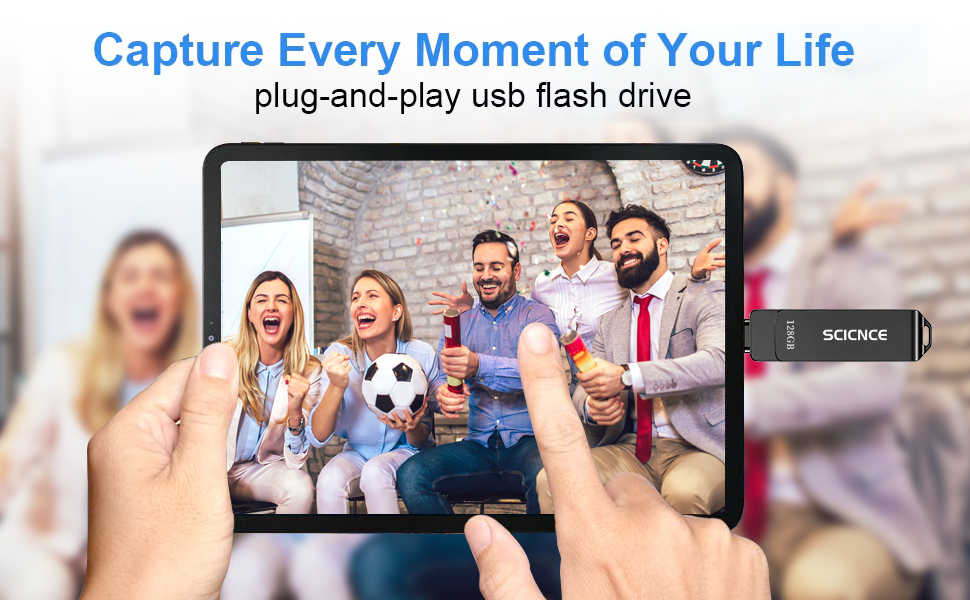
Share your photos, videos, songs and other files between iPhone picture stick easily. You don’t have to pay extra for additional storage, just insert iPhone external storage and enjoy the extra space of your flash drive.
Protect File Privacy
The General Password can encrypt file information in APP to protect your private files and prevent theft.
Store Photos/Videos Anytime, Anywhere
All photos and videos can be directly saved to the usb storage flash drive, eliminating concerns of insufficient phone memory.


TxSaharkBite –
I bought this to get my pictures off my phone to keep them safe and it worked great!
C.N –
Just what I needed just plu it in and it will direct you to the rest.
hkrehbiel –
Easy, user friendly storage for iPhone. I bought this to store extra photos on. Once I plugged it in, it prompted to me to download the app. It downloaded quickly and doesn’t require a signup or subscription. Once you allow the app access to your photos, it’s easy to select the photos on your phone and transfer them to the USB.
Isaiah W. –
I am a photographer and I always struggle on waiting times to transfer my photos. It is almost an instant transfer even for big photos and videos. Very fast flash drive and pretty decent quality. One downside is that I wish the app had a better UI but that’s about it.
John Winner –
Ease of use and versatility between my devices.
Robert M. –
Liked it and my niece said it was easy to install,,,,waiting to see if it works good and lasts a long time!! A rating of 4.9999
Alexia McLennan –
Helpful to store images form your iPhone!
mardy gentrymardy gentry –
I bought this to backup photos on my iPhone. So far it it’s done everything as advertised. The only thing is that I ended up having to download in batches. I had over 1200 photos on my phone.
Lashes –
Makes it easy to transfer files between my phone and pc. I also like that I can take it anywhere and just plug it into my phone and BAM everything’s there
P.J. –
I like the convenience of how small and portable it is and still holds a ton of pictures.