



From the brand
-


Leading Smart Home Brand
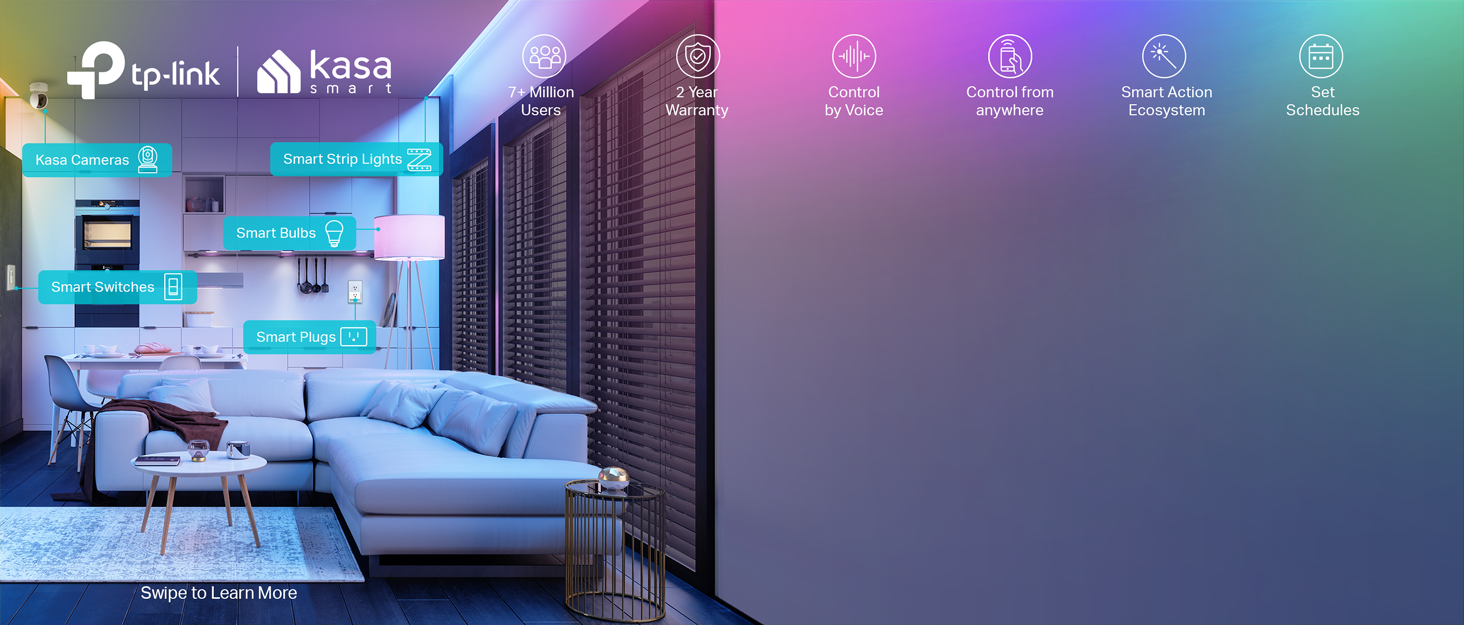
Launched in 2015, Kasa Smart quickly became a leading smart home brand giving convenience, fun, and security to over 7 million delighted users and has garnered praises from PCMag, Wirecutter, and more. Users can control their lights, appliances, and view security camera footage from anywhere, anytime. Kasa offers terrific synergy between devices for enhanced automation.
-
-
-
-
-


John –
I love these outlets their easy to use, I`m using these with 2 lights one in the living room the other in the bedroom. Setup with the Kasa app was easy to do and setting timers for the lights with app was simple, and Elexa integrated them into her system automatically for me. with Alexa I can turn the lights on or off automatically without disturbing the preset timers settings and use Alexa to set timers for if I did`t want to use the Kasa app to set the timers schedule. They work so well I had to buy more for some other appliances for my home. Also these are made from TP-LINK a very good company when it comes to networking equipment.
Kevin W. Maness –
I bought this for $7 and change, to plug a electric fan I use to stay cool. But I always forgot to turn it off when I went to bed. I already have a Kasa doorbell, and TLink/Tapo cams. My only complaint is to set this up I had to download and do it thru the Kasa app. But they were redeemed when I opened the TP Link/Tapo app that controls my doorbell & cams, and poof…This popped up in that app. So I deleted Kasa app, and once again all are controlled by a single app. Easy set=up too!
Calvero –
I’ve had many smart plugs and I’ve been disappointed with most of them for so many reasons. I have 2 Kasa light switches that work perfectly and are reliable so this was a no brainer to try. Kasa is a winner again! This smart plug connected immediately, small enough to manage other plugs in the outlet or surge strip and it works flawlessly in the app. In fact, I connected it to the app and when I went to connect it to Alexa, Kasa had already found it, connected it, labeled it and was ready to go. My other smart plugs had to go through an Alexa install process by connecting to the plug app that was a huge pain. All I had to do was set the schedule for on and off through the Kasa app and it automatically set that schedule in the Alexa app no problem. I could change it in the Alexa app by adding it to a routine but I’m happy setting the routine in the Kasa app as the Kasa app is ridiculously user friendly. I love Kasa products and will continue to buy them as needed. Highly recommended!
mmf –
Flawless. Worked perfect and extremely easy to set up and use. Can have a “count down timer” if needed, I set up schedules, for daily operation for certain table lamps. For sake of disclosure, I have used numerous TP link devices and my mesh is TP link, so I am extremely familiar with their interfaces. I didn’t even know those were to link (the kasa) until I opened the box. Great value.
Curious –
Purchased one of these to replace old Wemo smart wall plug that no longer seemed to connect properly to the network (even after many attempts to reset). Anyway — this product was much easier to setup, works very well, and much cheaper than those old Wemo plugs so I ordered more to switch over completely and now use the Kasa app.
kenya Garcia –
As someone who loves making my home smarter without breaking the bank, I recently picked up the Kasa Smart Plug Ultra Mini 15A. Here’s a review focusing on its convenience, ease of use, and affordability:Convenience:The Kasa Smart Plug Ultra Mini is incredibly convenient. Its ultra-mini size means it doesn’t block other outlets, so you can use it in tight spaces or alongside other plugs. Setting it up is a breeze – just plug it in, connect it to your 2.4G WiFi network, and you’re good to go. There’s no need for a hub, which simplifies the whole process and saves you from extra clutter.Additionally, the ability to control the plug with voice commands through Alexa or Google Home is a game-changer. I can turn my lights on or off just by asking, which is super handy when my hands are full or I’m lounging on the couch. Plus, with IFTTT integration, you can create custom automations, like setting your coffee maker to start brewing when your morning alarm goes off.Ease of Use:Using the Kasa Smart Plug is straightforward. The Kasa Smart app is user-friendly and guides you through the setup step-by-step. It took me just a few minutes to get everything configured. Once set up, you can control the plug from anywhere using the app. The app also lets you set schedules and timers, so you can automate your devices to turn on or off at specific times.The plug itself is simple to operate. The on/off status is clearly indicated by a small LED, so you always know whether your device is powered. The app’s interface is intuitive, and even if you’re new to smart home devices, you won’t have trouble figuring it out.Affordability:One of the best things about the Kasa Smart Plug Ultra Mini is its price. For a smart plug that offers such convenience and compatibility, it’s very reasonably priced. You get two plugs in a pack, making it an excellent value for money. It’s a great way to start building a smart home without spending a fortune.Pros: Compact Size: The mini design doesn’t block other outlets. Voice Control: Works with Alexa and Google Home for hands-free operation. No Hub Required: Easy setup without extra equipment. User-Friendly App: Simple to configure and use for scheduling and automation. Affordable: Great value with two plugs in one pack.Cons: 2.4G WiFi Only: The plug only supports 2.4G WiFi, so it won’t work with 5G networks. Limited to Basic Functions: For more advanced smart home integrations, you might need additional devices.Final Thoughts:The Kasa Smart Plug Ultra Mini 15A is a fantastic addition to any home looking to start with smart technology. It combines convenience with ease of use and affordability. The compact design and straightforward setup make it a great choice for beginners or anyone looking to make their home a little smarter without spending a lot. If you’re looking for a reliable and cost-effective way to control your devices remotely, this smart plug is definitely worth considering.
SecondRound –
The Kasa Smart Plugs have become an indispensable part of my home automation and device management routine. I have acquired several of these smart plugs and utilize them for a wide range of applications, including controlling lights, dehumidifiers, space heaters, holiday decorations, and even a custom-built device that periodically warms my chocolate (affectionately dubbed the “Choclidor”).One of the standout features of these smart plugs is their versatility. I can effortlessly schedule activations or control them directly through the intuitive app, ensuring seamless integration into my daily routines. Additionally, I have found them particularly useful in managing devices like TVs, Fire TV Sticks, and Echo Shows, which often require periodic power cycling to maintain optimal performance. By setting the smart plugs to power off these devices for a brief period every night, I’ve eliminated the need for manual unplugging and replugging, ensuring a fresh start each morning without any hassle.The setup process for these smart plugs is remarkably straightforward and user-friendly, allowing for a hassle-free integration into any smart home ecosystem.The affordability of these devices is a significant advantage, making it accessible to incorporate multiple units throughout the home without breaking the bank.The accompanying app is comprehensive and intuitive, offering a wide range of customization options and seamless control over the connected devices.In my experience, the Kasa Smart Plugs have proven to be incredibly reliable, consistently performing as expected without any need for resets or troubleshooting.While my experience with these smart plugs has been overwhelmingly positive, it’s important to note that individual experiences may vary. However, based on my thorough usage and extensive testing, I can confidently recommend the Kasa Smart Plugs as a versatile, reliable, and cost-effective solution for enhancing home automation and device management capabilities.
Travis –
I recently got the Kasa Smart Plug Ultra Mini, and it’s awesome! Setup was super easy – I just plugged it in, opened the Kasa app, and followed the steps. Took me like five minutes, tops!Voice Control: Works perfectly with Alexa. I can just tell Alexa to turn my lamps on and off, which is super handy when my hands are full.Scheduling: I love the scheduling feature. I set my fan to turn off automatically at night and my coffee maker to start brewing in the morning. It’s really convenient and saves energy too.Remote Control: Being able to control it from anywhere is a game-changer. I can check if I left something on and turn it off from my phone, no matter where I am.Compact Design: It’s small enough that it doesn’t block the other outlet, so I can use both plugs on the same wall socket.Safety: It feels really reliable and safe, which is important since I use it for a variety of devices like my heater and hair dryer.Overall, this smart plug is fantastic. It’s made my daily routines much easier. Highly recommend it!
TechPicky –
Pros:Super easy and fast to set upWorks wellWorks with Alexa, Google Home, IFTTTCons:No Apple HomekitA bit more difficult to set up Google Home than other devicesThis Kasa smart switch by TP-Link was a pleasure to set up.I had it set up literally in less than 5 minutes, and about as long to link to Alexa and Google Home.The set up instructions are really nothing more than a card telling you to download the Kasa app on your smartphone and adding the switch to the app.The set up is easy. As with most WiFi controlled devices, the device goes into AP mode for configuration and then into device mode for operation. Unlike other devices, and seemingly any that support HomeKit, it simply has you connect to that access point on the phone, then go back to the app. The app connects to the device and scans WiFi. You select the WiFi SSID (network name) you want, enter the password, and done.At this point the switch can be controlled from the app. To add Alexa you select the Works with Kasa option in the app, select Alexa. Then enable in Alexa, and done.Google home is a bit less direct, and a bit more clumsy than other devices, but still pretty easy. You need to go into the Google home app, add a device, search for Kasa, then log into Kasa, then configure. A few more steps, but overall not that bad.It also supports IFTTT, and Samsung Smart home that I didn’t set up.It does not support Apple HomeKit. That is probably why it was easy to set up. I really would like to be able to use HomeKit, but almost nothing works well with HomeKit. The whole set up with the code mostly doesn’t work, and if it does it then gets disconnected.This brings me to why I bought the Kasa in the first place. I had a WeMo (Belkin) smart switch, the equivalent product to this. I couldn’t get it to connect after multiple attempts. I called WeMo support (surprisingly a human on a phone). After well over an hour I was finally able to get the WeMo to connect, then get it to connect to HomeKit, Alexa, and Google home. Great. I had the switch in an easy to access socket to set up. I unplugged it to move to where it needed to be and the WeMo stopped connecting to WiFi. After factory resetting the WeMo I was able to get it to connect back to WiFi, but as soon as it was unplugged and plugged back in, it wouldn’t connect again. At this point I just gave up and ordered the Kasa based on other reviews. It was night and day to set up.Similar to the WeMo, I used an easy to access socket to set up, then unplugged it and moved it to the location where the light to be controlled is. With the Kasa, no problem. This is the same location, and the same WiFi network. The Kasa works. The WeMo doesn’t.Part of the problem is HomeKit. HomeKit compatible devices use the HomeKit set up on iOS devices. Some devices sort of let you bypass this, with the WeMo being one of those devices. This is how I initially got it to connect with customer service, by connecting directly to the switch. If it fails though HomeKit recognizes the WiFi AP as a connected device for at least 15 minutes. You need to wait 15 minutes to try again. The whole thing is a mess. I really like Apple devices, but HomeKit is just way more trouble than its worth. Ironically, the only device that I’ve found that works with HomeKit is a Sony Android TV! That TV now controls the light plugged into the Kasa switch with Google Home.Again, the setup on the Kasa was really easy, the way it should be. The competing WeMo was hours of frustration with no results. This was the second WeMo (it was part of a 2-pack like the Kasa), and the first one was also difficult and unreliable. Unless you absolutely can’t live without HomeKit, buy this Kasa. The Kasa just works.
Amazon Customer –
I recently purchased the Kasa Smart Plug Ultra Mini 15A 2 Count (EP10P2) and have been thoroughly impressed with its performance. As someone who has a few reptiles, including ball pythons, it’s essential to maintain a consistent lighting schedule for their health and well-being. These smart plugs have been a game-changer in automating their light schedules.The ultra-mini design of the Kasa Smart Plug fits easily into a single outlet without blocking adjacent ones, which is a big plus. Setting up the plugs was a breeze, taking just a few minutes to connect to my 2.4G WiFi network using the Kasa app. The app is user-friendly and intuitive, making it easy to schedule the lights for my reptiles. I linked the plugs to my Alexa devices without any issues, allowing for convenient voice control.The reliability of the connection has been outstanding. Despite using 2.4G WiFi only, I haven’t experienced any drops or connectivity issues. The scheduling and timer features in the app are perfect for ensuring that my reptiles get the proper light cycles without any manual intervention. This ease of automation has brought peace of mind and has been a significant upgrade from manual timers.Overall, I highly recommend the Kasa Smart Plugs for anyone looking to add smart functionality to their home, especially if you have pets that require strict lighting schedules. Its compact size, ease of use, compatibility with major voice assistants, and reliable performance make it a worthwhile investment. I’m looking forward to expanding my smart home setup with more Kasa products.